Every hour and square metre accounted for. The easiest app on site.
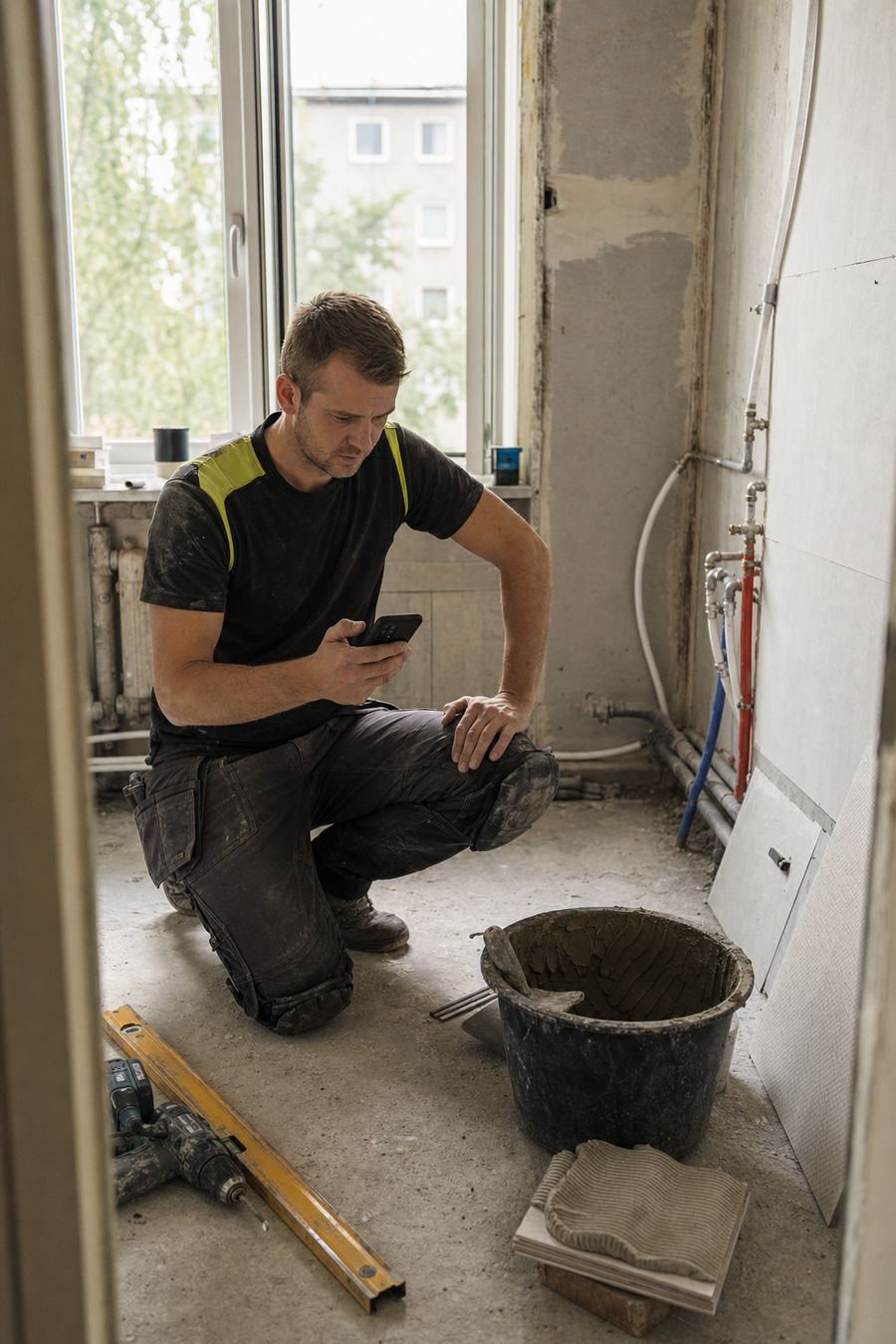
Your crew starts a timer, marks the task done and snaps a photo — that's the whole training. You get approved hours, piece-work totals and the invoice from the same data.
From the job to the invoice
One record follows the work all the way through. Nobody types the same hours twice.
- 01
Create Project
Client, address, crew and the approval rule — ready in minutes.
- 02
Assign Tasks
Clear jobs with due dates, units and an optional photo-proof rule.
- 03
Track Hours
Typed, start–end or live timer, with optional GPS on start and stop.
- 04
Generate Reports
Finished work waits for a lead's OK, then lands in the daily PDF.
- 05
Invoice Client
Approved hours and m² become invoice lines, reverse-charge VAT included.
Everything You Need to Run Your Sites
From the first offer to the last invoice — nine modules that follow the way construction work actually gets recorded.
Project Management
Every project carries its client, location, deadline and crew, plus a live count of the tasks and hour cards still waiting for approval. Filter Active, Inactive and Archived.
Tasks & Hour Cards
Three ways to record time: type the hours, enter exact start and end times, or run the live timer. Split a day into rows — walls 2h, floor 6h — and track piece-work by the unit.
Team & Permissions
Owners, Leads and Employees each see exactly what they should. Finished work moves to Waiting until a Lead confirms it — or set the project to confirm automatically.
Reports
A dated PDF of who worked, on what and for how long — grouped day by day, hours split between tasks and hour cards, and every expense type totalled in its own unit.
Offers & Invoices
Turn recorded work into a line-itemised PDF. Sequential numbering, bank reference numbers, and construction reverse-charge VAT with the statutory paragraph printed for you.
Photos & Files
Site photos stay attached to the task that produced them. Require photo proof before a task can be closed, and keep blueprints, contracts and permits in the project folder.
Vehicle Logbook
Log a day's driving as a trip made of routes — start and end address, odometer reading, purpose. Distances add up on their own and business legs stay separate from private ones.
Time-Off & Leave
Employees request leave for a date range and you approve it with one tap. Weekends and your country's public holidays are skipped, so the working-day count is right without a spreadsheet.
Clients
Billing details, register codes and contacts in one place, each with its own default payment term. Open a client to see every project, offer and invoice tied to them.
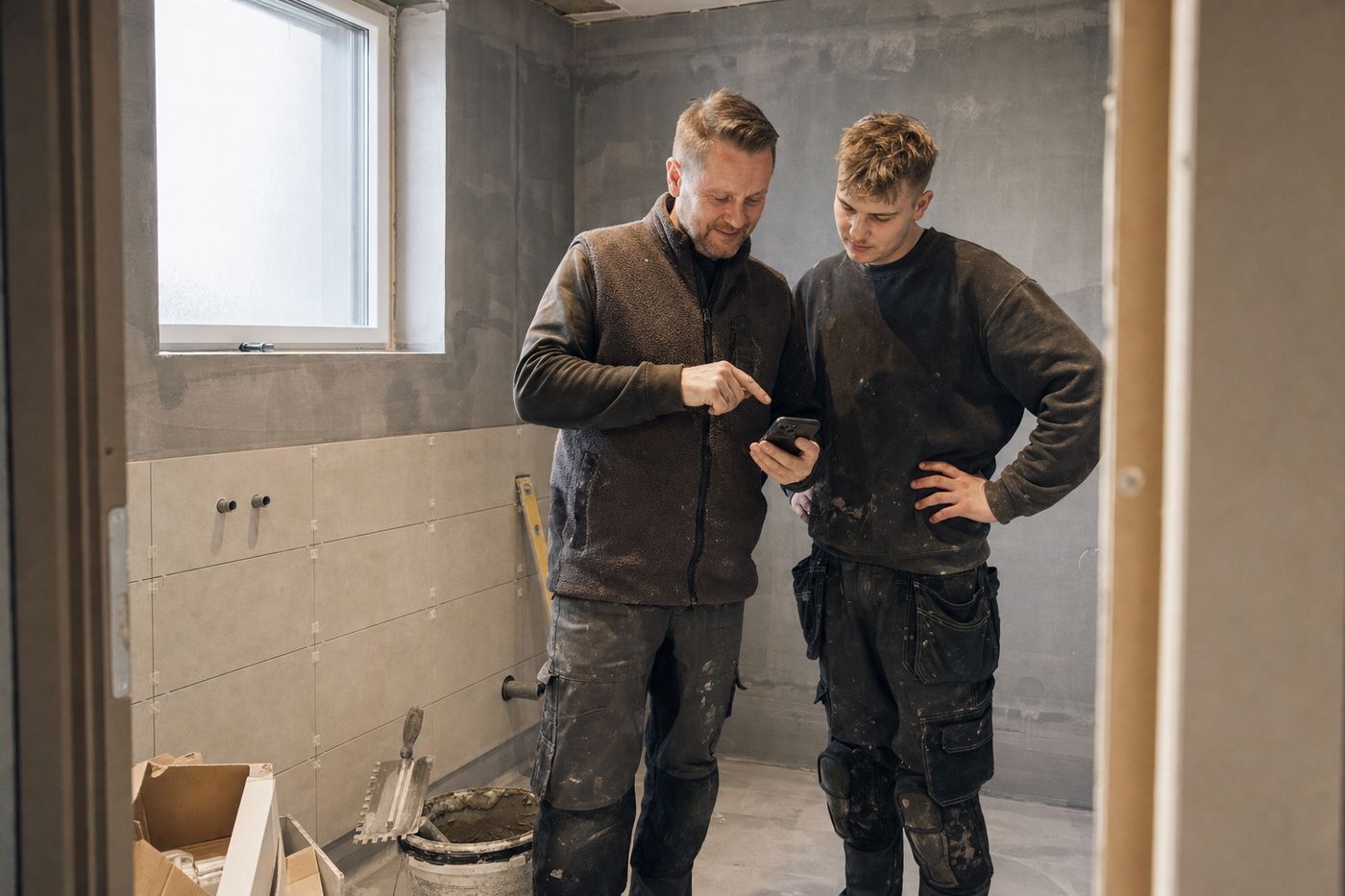
Built by a small construction company. For companies like ours.
Construction software was either too complicated or too expensive for a company our size. So we built the tool we wanted on our own jobs — simple enough for the crew, detailed enough for the office.
Built by Builders
Designed by a real construction company who understands the day-to-day challenges of managing sites.
Mobile-First Design
One tap to start the timer, one tap to attach the photo. Your crew records the day with gloves on and gets straight back to the tools.
SME-Friendly Pricing
Free through all of 2026 — every feature, no limits. Priced afterwards for small and mid-size contractors, not for enterprises.
Worker Privacy by Default
Personal contact details stay hidden. Location tracking is a per-project switch you can turn off wherever it isn't permitted.
What Our Customers Say
Construction companies running their day-to-day site work on SiteOps.
For a company our size, most construction software was either too complicated or too expensive. SiteOps covers exactly what we need day to day, without the extra complexity.
We've been running SiteOps across several sites for six months now. The team behind it listens — features we asked for have actually been delivered.
Our crew picked it up within a day and barely needed any training. Logging hours and recording progress is straightforward.
Ready to Build Better?
Free through all of 2026 — every feature, no limits, no credit card. We just launched, and right now we'd rather have your feedback than your money.